

TP / FP with context.
The displayed false-positive rate uses binary reviewed outcomes for the rule/version cohort. Unreviewed and other dispositions are excluded.
FP% = FP ÷ (TP + FP) × 100
No reviewed denominator means an unavailable rate.

Bring the hammer
to every hunt.
The GhostByte engineering workspace that connects frontline findings, threat hunting, detection quality and governed rule promotion.
Threat Hunting, Detection Engineering, Detection Quality, THOR Rules and Threat Intelligence share a dedicated workspace. THOR Queue carries the work from submission through validation and resolution.
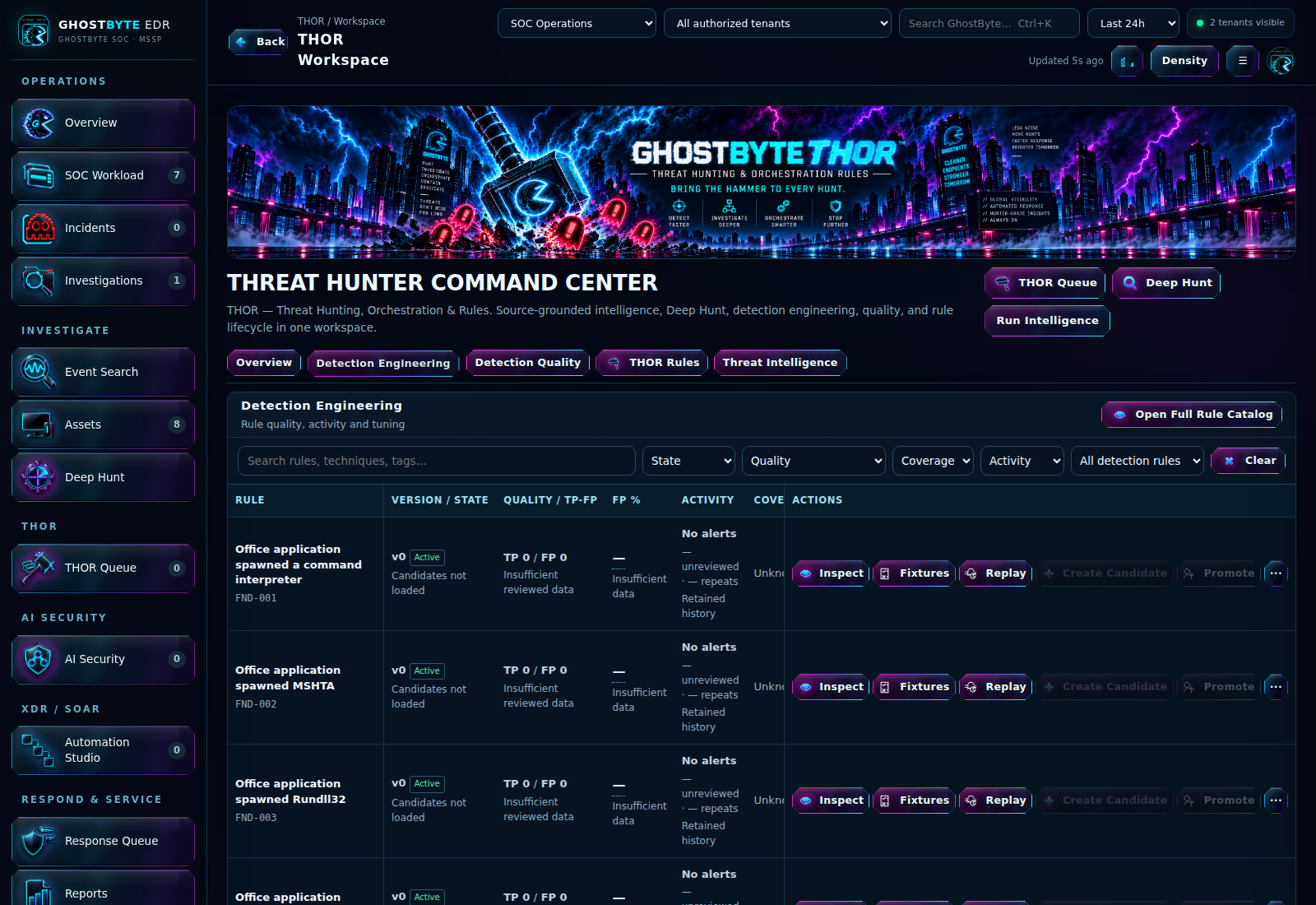
Inspect the rule logic, current and candidate versions, required telemetry and reviewed outcomes. Keep detection quality separate from search completeness and source coverage.
The displayed false-positive rate uses binary reviewed outcomes for the rule/version cohort. Unreviewed and other dispositions are excluded.
No reviewed denominator means an unavailable rate.
Inspect immutable rule snapshots, change notes, parent versions and candidate differences. Saving a candidate creates a staged revision while preserving the current active configuration.
Run expected-match, expected-non-match and regression scenarios from the selected rule version. Retain the fixture evidence for the engineering review.
Compare current and candidate matches against retained telemetry and reviewed evidence. Replay records completeness and does not activate the rule or create production alarms.
Create an immutable candidate revision.
Exercise defined fixtures and regression cases.
Evaluate alongside the current active rule.
Review candidate evidence in an explicit cohort.
Promote eligible content through server validation.
Retain the superseded version in its history.

Server validation governs eligibility through the required fixture, replay, pilot and telemetry-coverage gates. Shadow and Pilot candidates preserve the current Active rule; authorized lifecycle transitions retain their engineering history.
EXPLORE THE ENGINEERING PATH
Interactive explanation of implemented stages. No fixtures are run and no detection rule is changed or activated.
Draft
An immutable candidate revision retains its parent version and change notes. Review what changed before interpreting its results.
Test
Fixtures express expected matches, non-matches and regression cases. Historical replay contributes its own completeness and evidence context; replay is validation work, not a lifecycle state.
Shadow
Shadow evaluation preserves the current Active content while the candidate gathers evidence. Compare candidate behavior within the available telemetry scope.
Pilot
Pilot review uses an explicit cohort and retains candidate evidence before a broader activation decision.
Active
Authorized promotion depends on server validation of required evidence and lifecycle eligibility. Selecting this website tab activates no rule.
Deprecated
Superseded revisions remain in version history so reviewers can understand the change and its evidence.
Submit a hunt, detection or tuning request from an alarm, an event or a general finding. Carry source references, evidence and the working hypothesis into assigned engineering work.
Explore the platform tour Ownership, customer scope, priority and SLA
 Hunt notes, evidence and detection analysisCandidate, fixture, replay and validation milestones
 Conversation, activity history and resolution