


GUIDED INVESTIGATION
Event Search
Start with a device, user, IP, process or event. Set the scope, add conditions and inspect the resulting activity.
Explore the GhostByte workflows that connect the analyst queue, retained telemetry, investigation records and detection engineering.
Select a workspace. Open any screen to inspect the original capture.
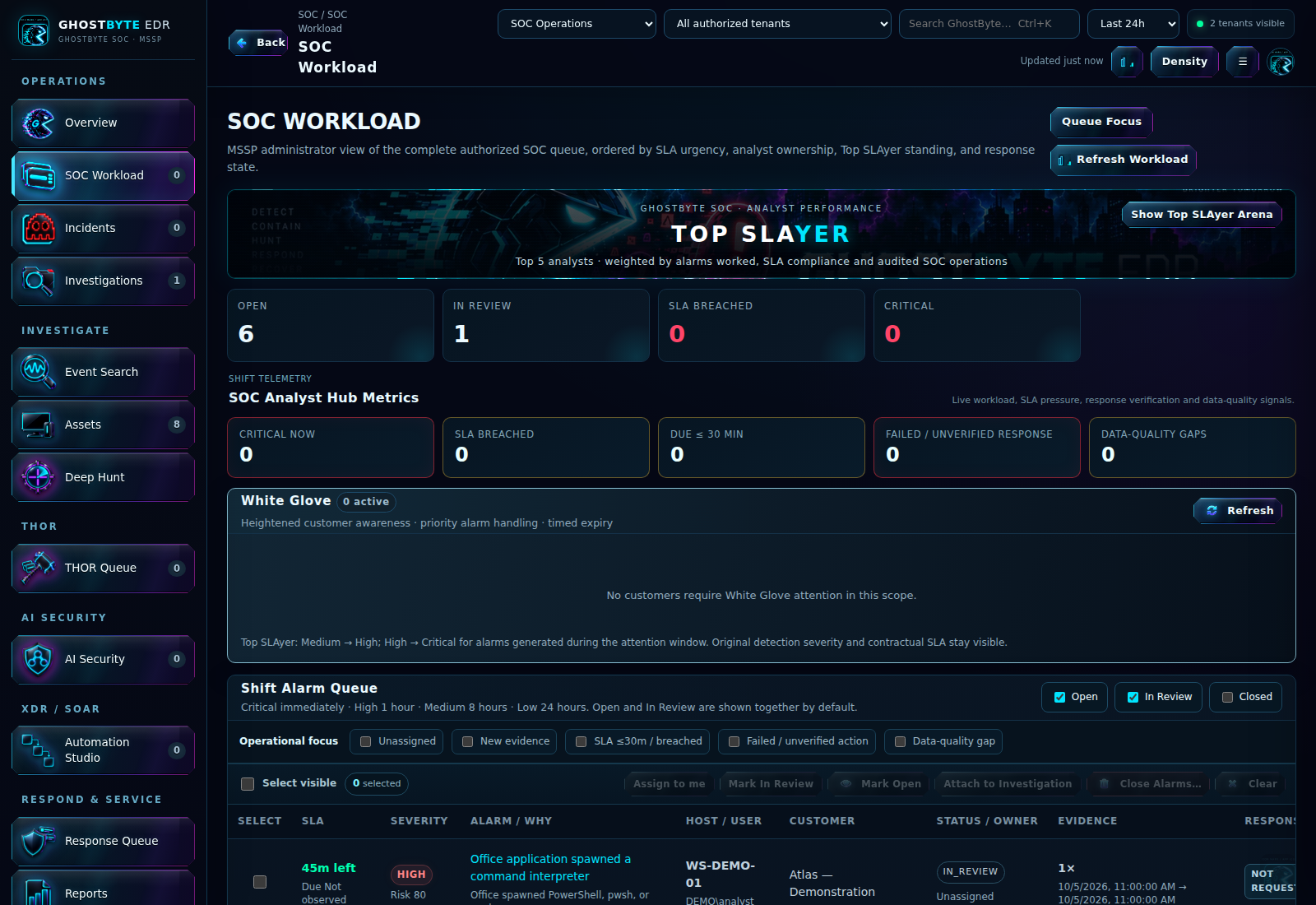
Actual GhostByte interface · sanitized demonstration data
See customer scope, ownership, severity and SLA pressure together. Open the triggering evidence, assign the work and carry the finding into an investigation.
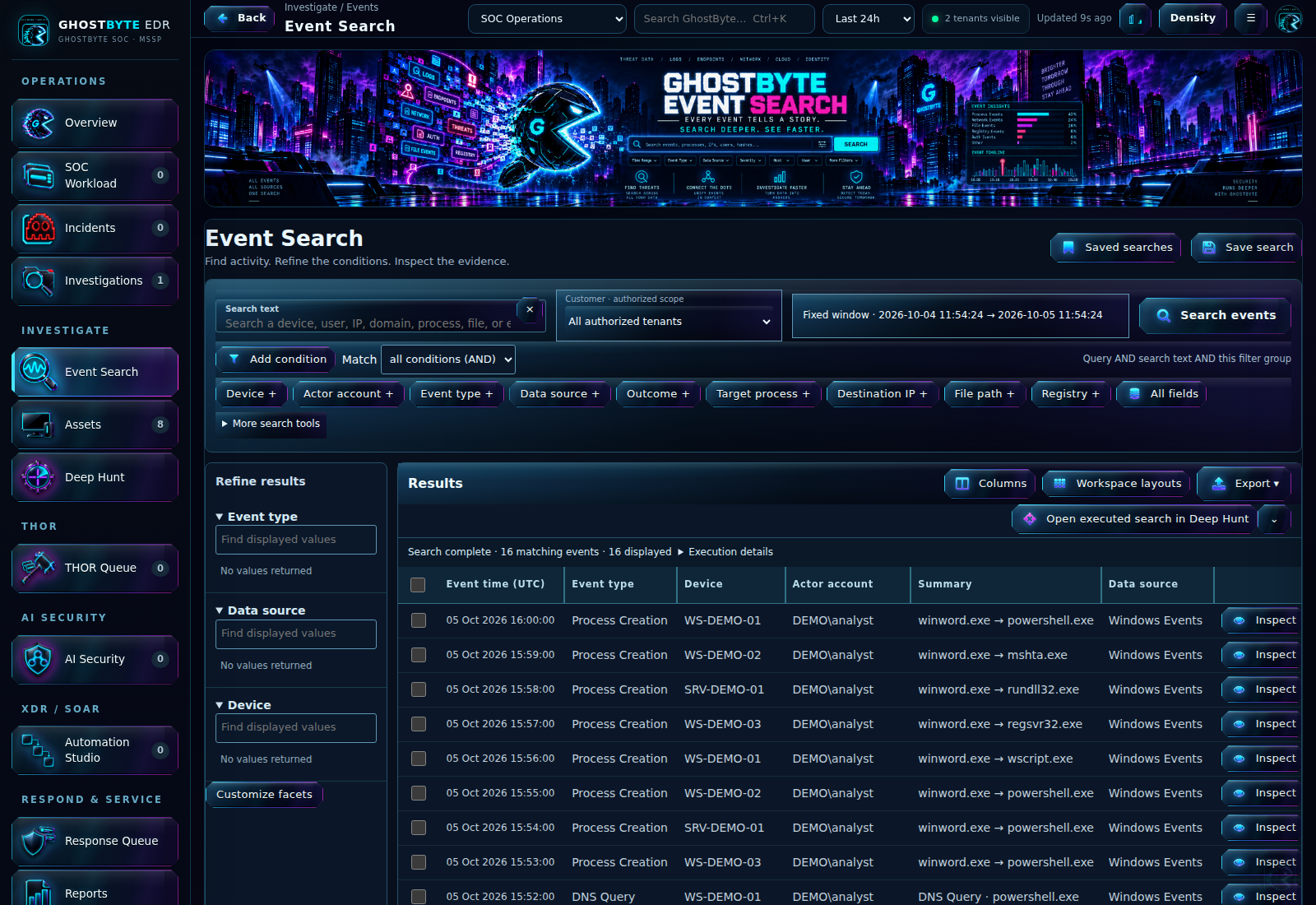
Actual GhostByte interface · sanitized demonstration data
Set the customer and time window, search the activity and refine it with structured AND / OR conditions. Use facets and columns to read the evidence, then save or export the search.
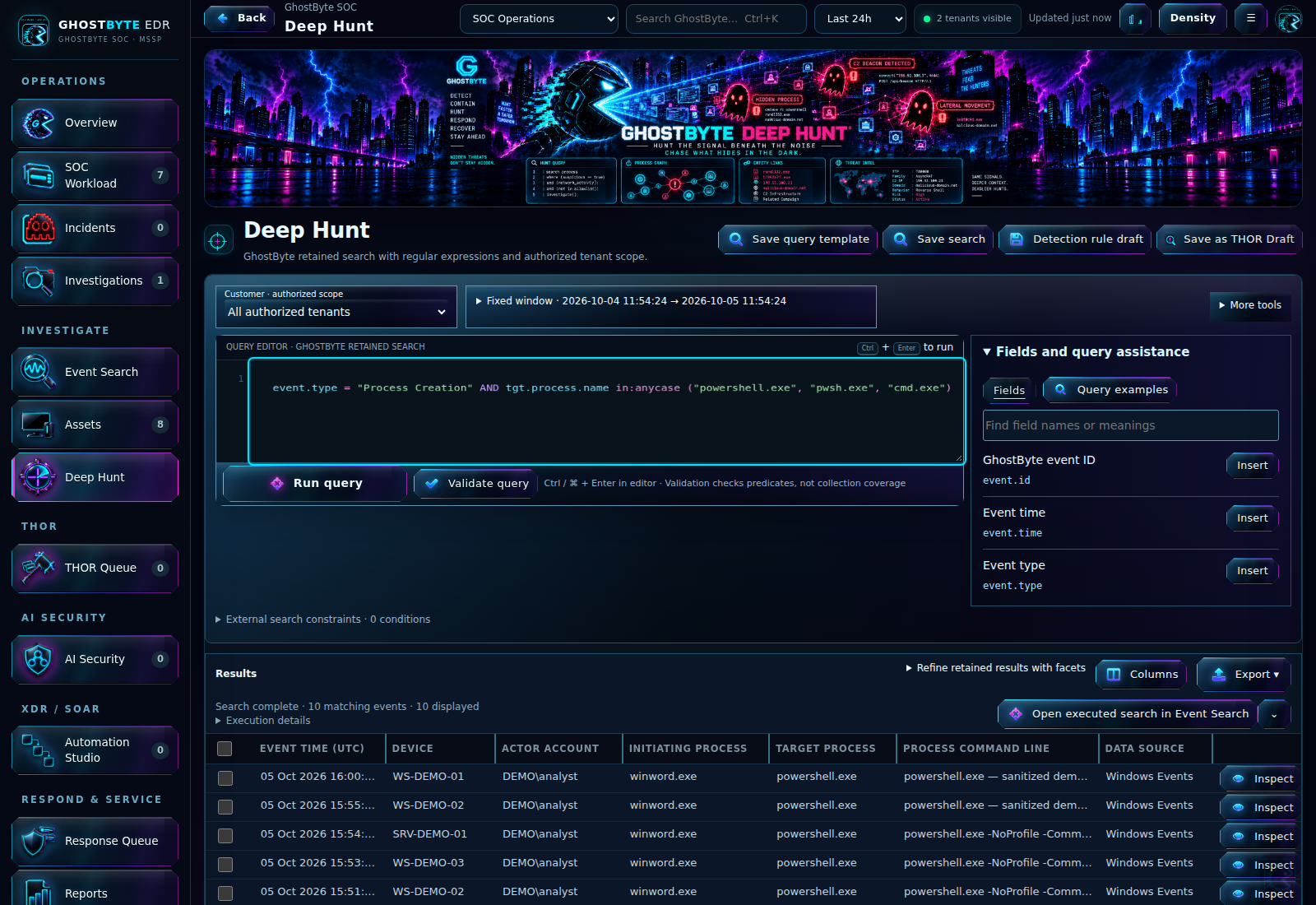
Actual GhostByte interface · sanitized demonstration data
Write queries against normalized fields with syntax coloring, examples and field guidance. Keep a complete search definition or a reusable query template, and retain hunt notes alongside the work.
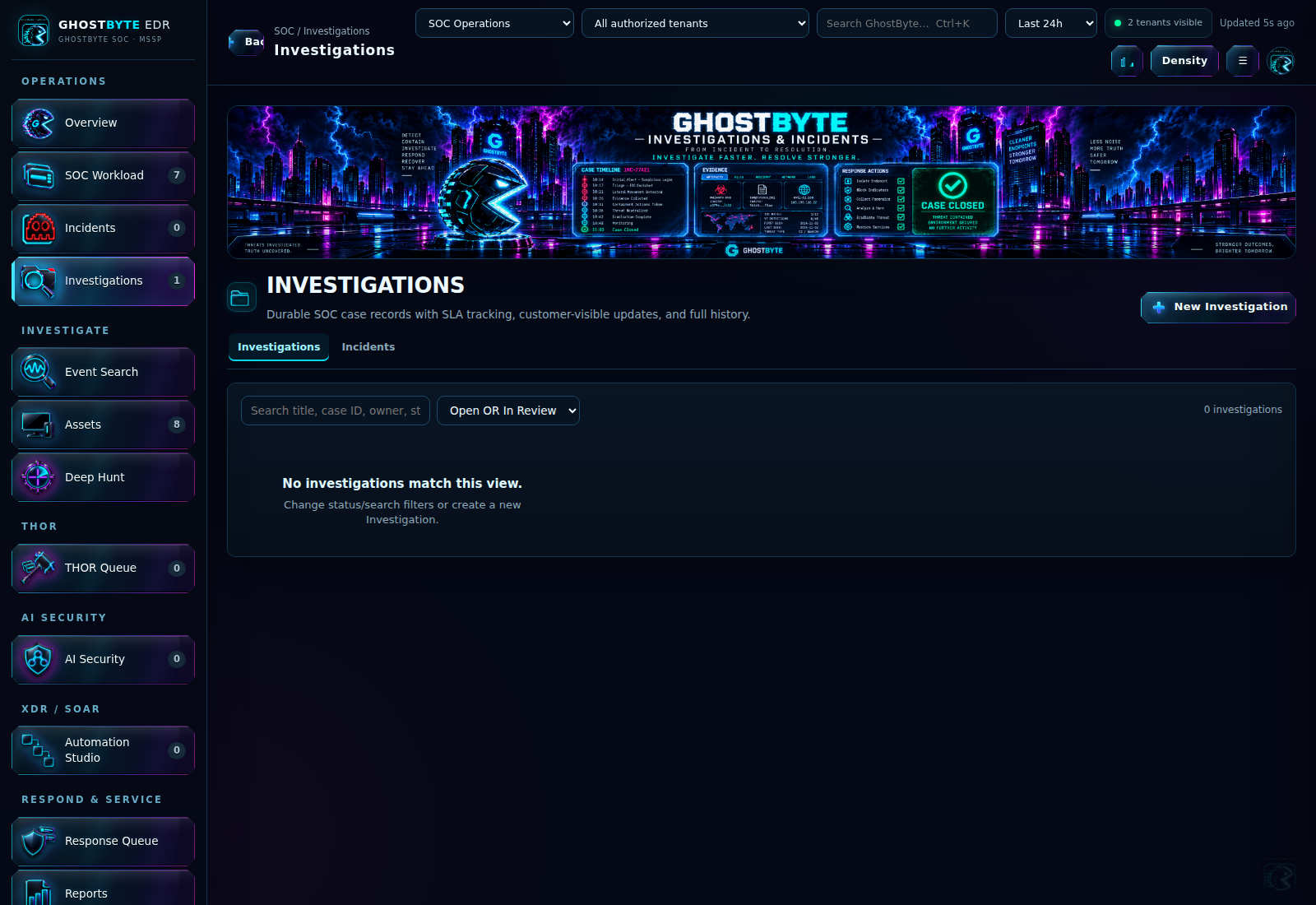
Actual GhostByte interface · sanitized demonstration data
Link alarm, event, file and endpoint evidence to the investigation. Write analysis and recommendations, retain evidence snapshots and manage the investigation’s customer visibility.
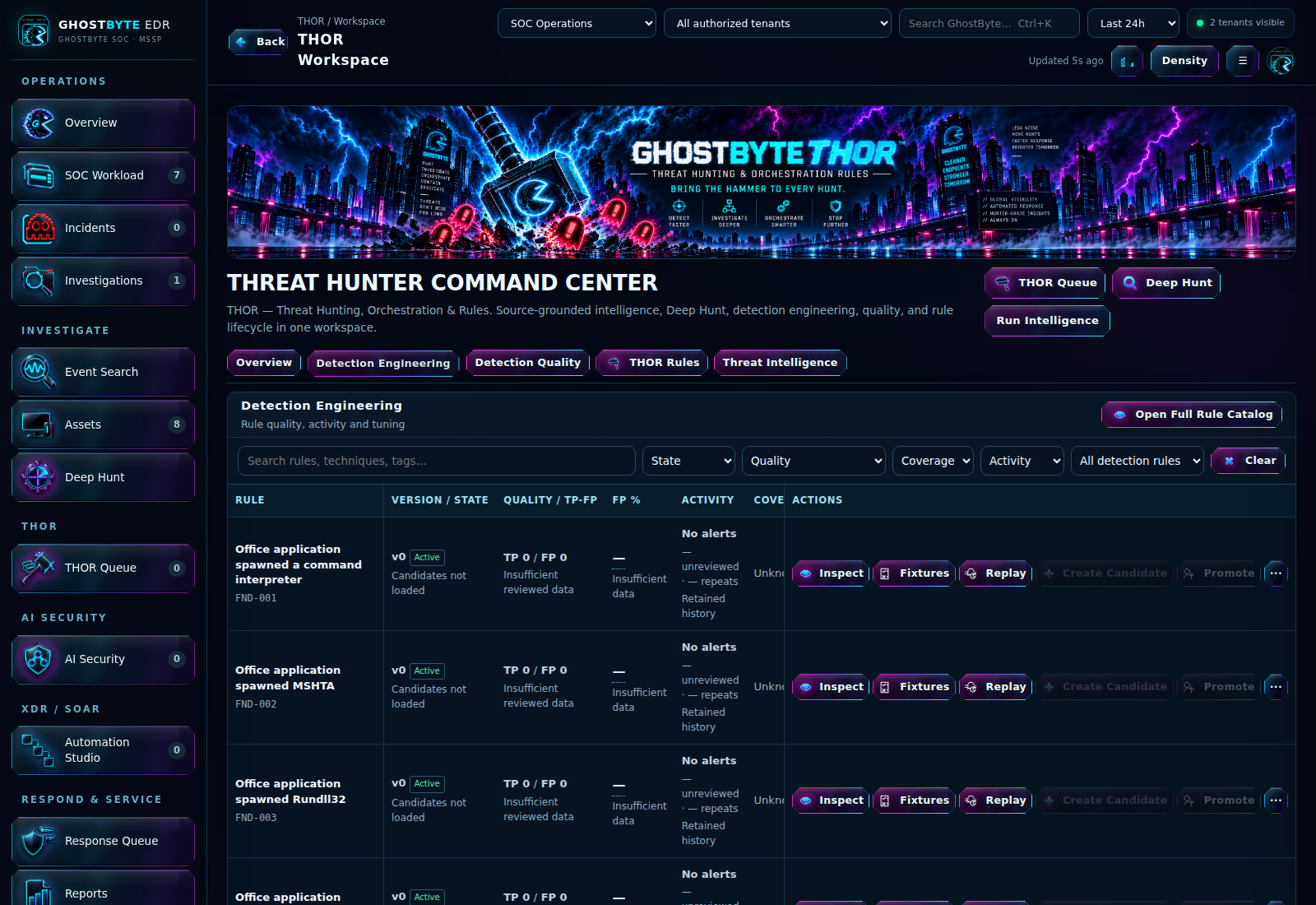
Actual GhostByte interface · sanitized demonstration data
Move from a frontline finding into THOR Queue and detection engineering. Inspect TP / FP review outcomes, compare immutable revisions, run fixtures and replay, then promote eligible candidates through governed lifecycle stages.

Hunt the signal beneath the noise.
Enter the hunting ground
Bring the hammer to every hunt.
Enter the engineering loopStart with a device, user, IP, process or event. Set the scope, add conditions and inspect the resulting activity.

Start with a hypothesis. Work in the query editor, use the field catalog and build reusable hunt definitions.
Explore Deep HuntA scoped handoff between the two carries the search definition forward. Customer boundaries remain part of the workflow.
Review AI telemetry and managed policies inside GhostByte. AI Guard can classify sensitive text and apply audit, warn or block behavior to supported browser interactions; opted-in applications can integrate the authenticated policy gate.
Coverage depends on the supported browser adapter, inspected content and the application’s integration with the gate.
See the AI Guard screens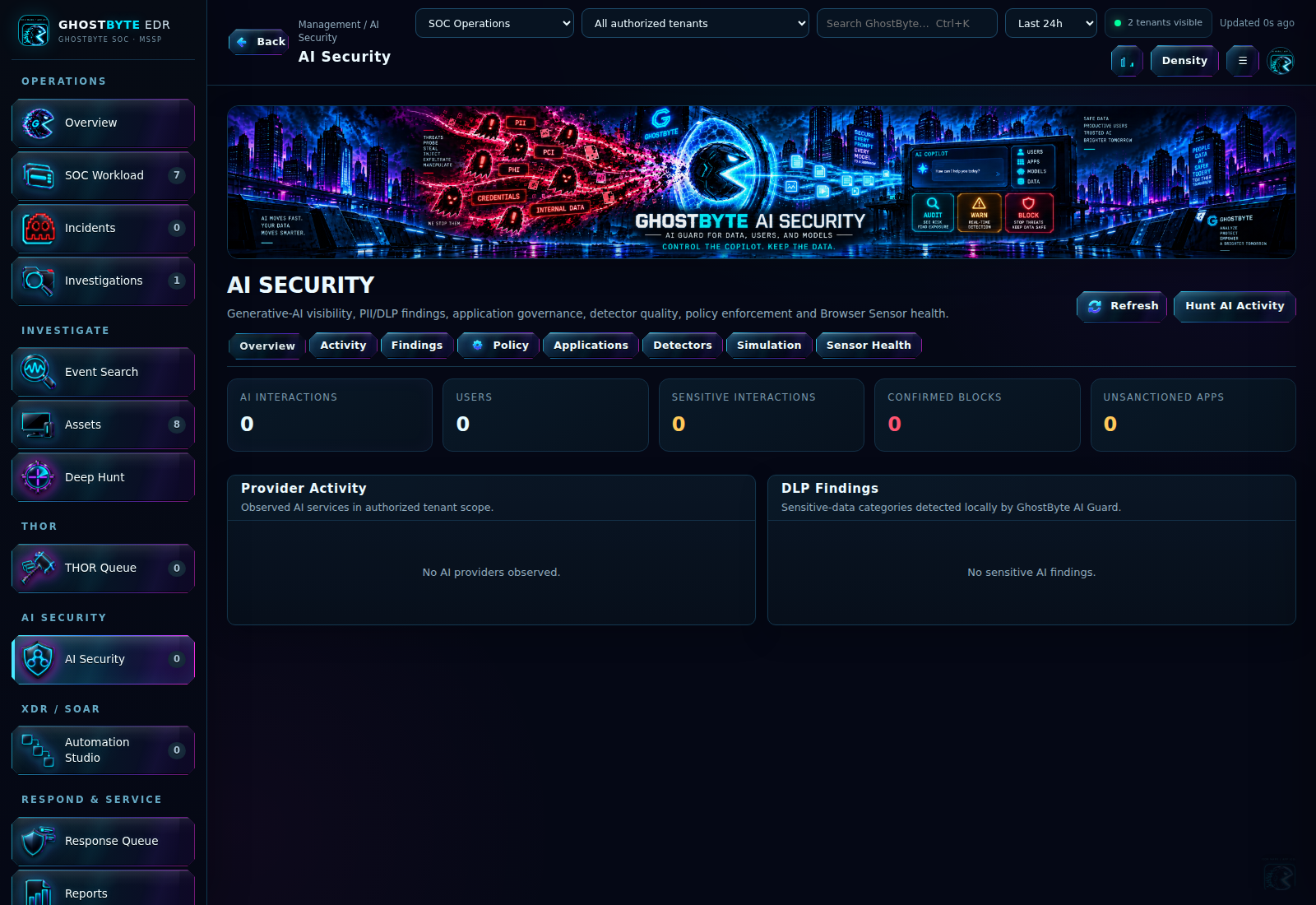
PUT THE WORKSPACES TOGETHER